
Use Auto-generate dark mode to automatically create a dark-mode version of the selected color theme by adjusting existing colors for improved readability and contrast on dark backgrounds.
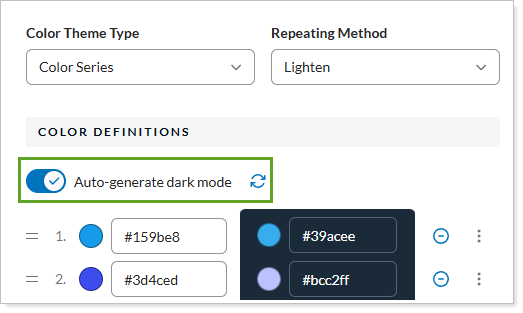
Your options are:
-
On. Report Studio will create a dark-mode version of the colors in the color theme.
-
Off. You will only see the light-version of the colors in the color theme.
This setting works in conjunction with Color Definitions.
For more information about Report Studio, see Introduction to Report Studio.
For more information about themes in Report Studio, see Manage themes in Report Studio.
For more information about color themes in Report Studio, see Manage color themes in Report Studio.