
Use the Display line markers option to show or hide point markers on line in Report Studio.
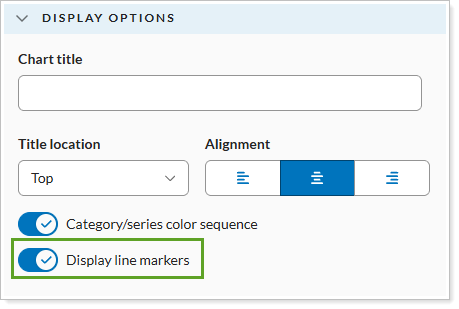
Your options are:
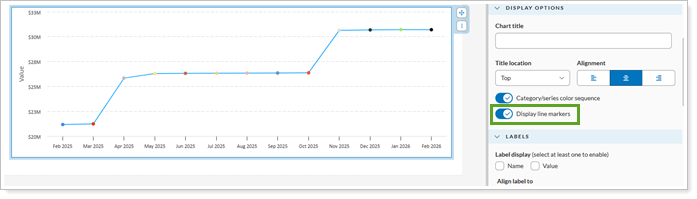
Display line markers on. Displays markers at individual data points on the line chart.
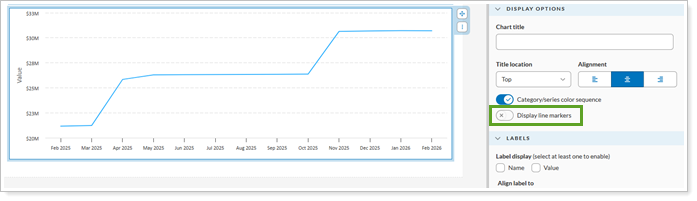
Display line markers off. Hides markers at individual data points, displaying only the lines connecting them.
For more information, see Using the Column/Bar/Line module.