
The Include borders setting determines whether the border is displayed around the legend and, if selected, the border color.
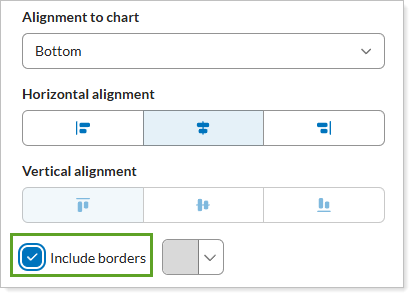
Your options are:
-
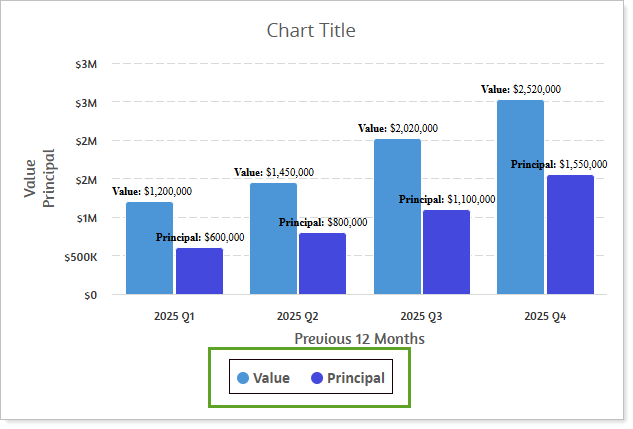
Selected. A border surrounds the chart legend.
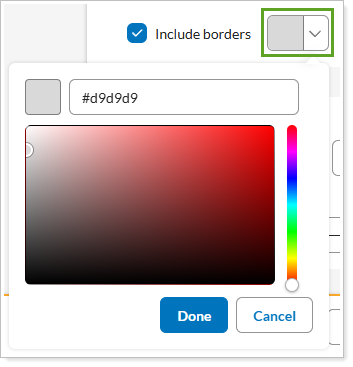
If selected, You also have the option to set the border color
-
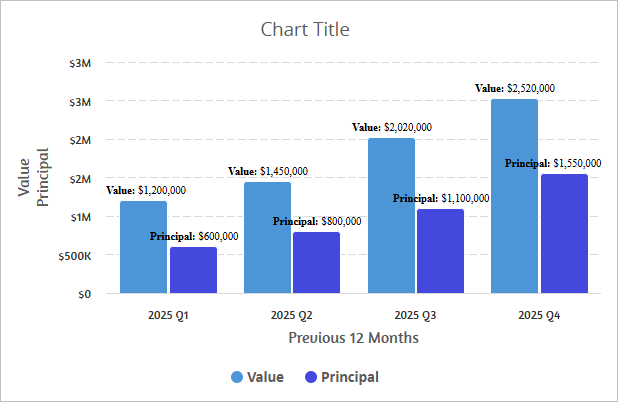
Cleared. The legend appears without a border.
For more information, see Border.