Contents
How legend settings work
Legend settings control the appearance and location of the legend in Report Studio modules. The following apply to both the Column/Bar/Line and the Pie Chart modules:
-
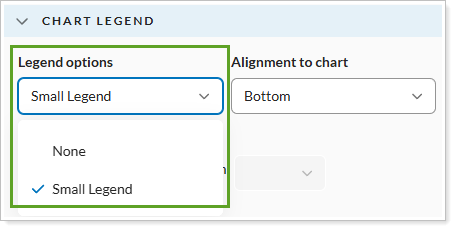
Legend options. Determine if the report will show a small legend or no legend at all.
-
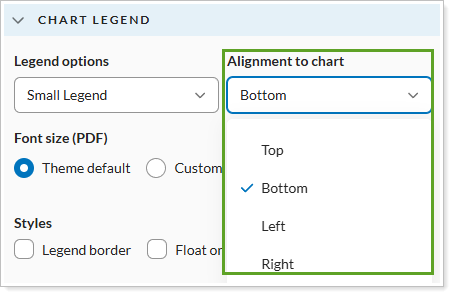
Alignment to chart. Determines where on page the legend appears in relation to the chart.
-
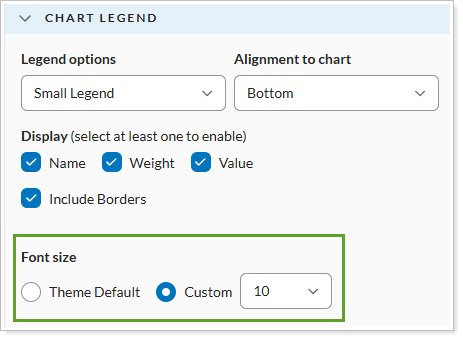
Font size. Determines the size of the font in the chart.
Column/Bar/Line module
The legend settings for the Column/Bar/Line specifically, include:
-
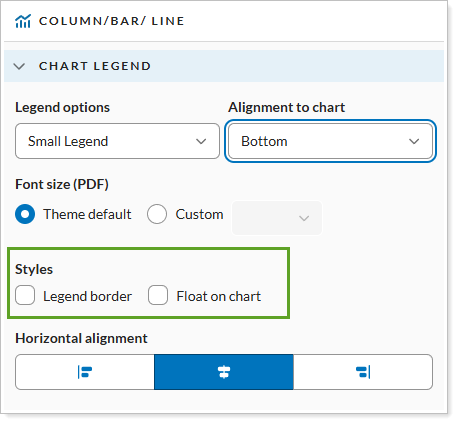
Style. Determines if the legend will display a border or not.
-
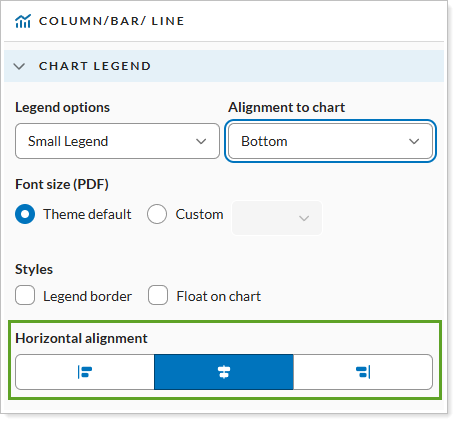
Horizontal alignment. Determines how the legend will be aligned with the chart.
Pie Chart module
The legend settings for the Pie Chart module include:
-
Legend options. Determine if the report will show a small legend or no legend at all.

-
Alignment to chart. Determines where on page the legend appears in relation to the chart.

-
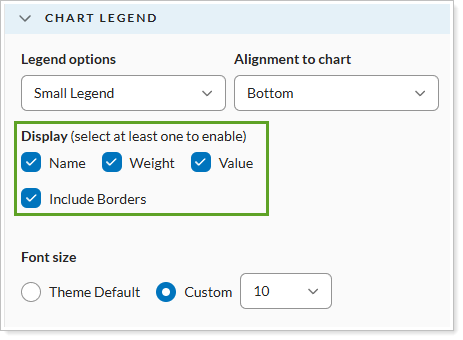
Display. Determines which elements appear in the legend.