
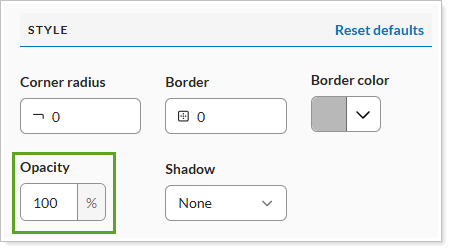
Use this setting to adjust the transparency of a module. Higher opacity values make the module more visible, while lower values increase transparency.
Opacity 50

Opacity 100

See Create Reports in Report Studio for more information.