
Contents
|
|
SUMMARY
The client portal is a valuable tool for communicating with your clients and keeping them up to date on their portfolios. However, it is only useful if your clients are aware of what it is and the features it includes. To help you demonstrate the value of the client portal, we have created a video explaining some of its major features.
MORE INFORMATION
In this section, we'll explain what the Client Portal Video covers and how you can use it to communicate with investors.
Client Portal Video
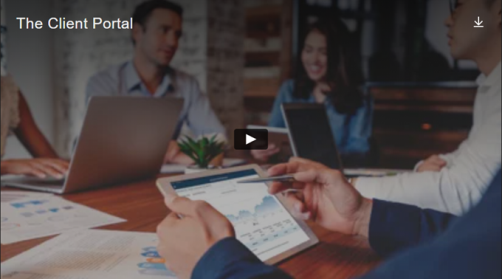
The video below provides your clients with a brief overview of the client portal. It is intended to help investors who are not yet familiar with the client portal understand how it could be useful for them by highlighting features such as security, up-to-date reporting, collaborative document sharing, and ease of access. Watch the full video below:
How to Use the Client Portal Video
You can share this video with your clients in whatever way makes sense for your firm. You may decide to embed it on your firm's website, email it directly to clients when you activate their client portals, or include it in specific client views. We produced the video with minimal branding to help it integrate with your communications and branding, however you choose to share it.
Embed the Client Portal Video on your Website
When you embed a video on your website, the video is posted to your website so users can watch it without visiting the site where the video is hosted.
Follow these steps to embed the video on your website:
- Copy the embed code below:
<iframe src="https://player.vimeo.com/video/405122429" width="640" height="360" frameborder="0" allow="autoplay; fullscreen" allowfullscreen></iframe> - Paste the embed code into the page of your site where you'd like it to appear.
Share the Client Portal Video via Email
You can find detailed instructions for including a video in email on the vimeo website, or copy and paste the video link below into the body of your email.
Video link:
https://player.vimeo.com/video/405122429
Thumbnail image:
If you'd like to include a thumbnail image with the link, we have provided one below:
Include the Client Portal Video in a Client View
To include the Client Portal Video in a client view, add a Custom Web Page report.
For more details on how to do this, see Client Views - Reports Pages.
APPLIES TO:
- Tamarac Reporting