
Contents
Add custom text to your public sign in screen
What's changing
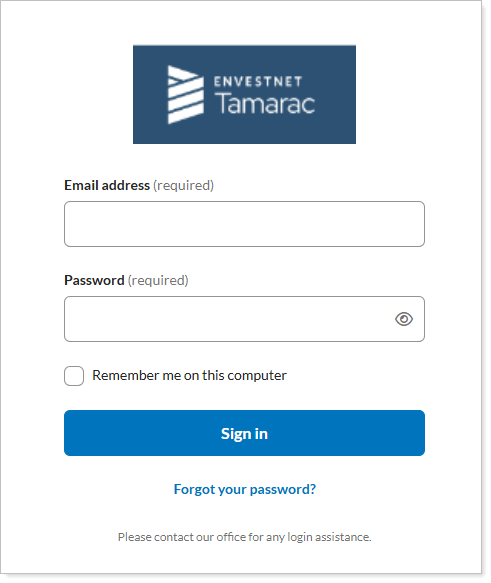
A personalized sign-in experience helps shape clients' first impressions of your firm. With this release, you can display custom messages when clients sign in using firm-specific URLs. For example, you can add support phone numbers, email addresses, business hours that your advisors and clients see when they access the Tamarac platform or client portal.
Why you'd use it
This enhancement reinforces your brand and provides support information when users need it. Sharing this information during sign-in can reduce confusion, guide users to the right support resources, and create a smoother experience during platform transitions and everyday use.
How to get started
To enable or update custom text, contact your support team. They will add the custom messaging and hyperlinks that appear when users access Tamarac through your firm's unique URL.
Additional information
For details, see How do I add custom text to a public sign in screen?