
Contents
Report Studio
Configure headers and footers in Report Studio
What's changing
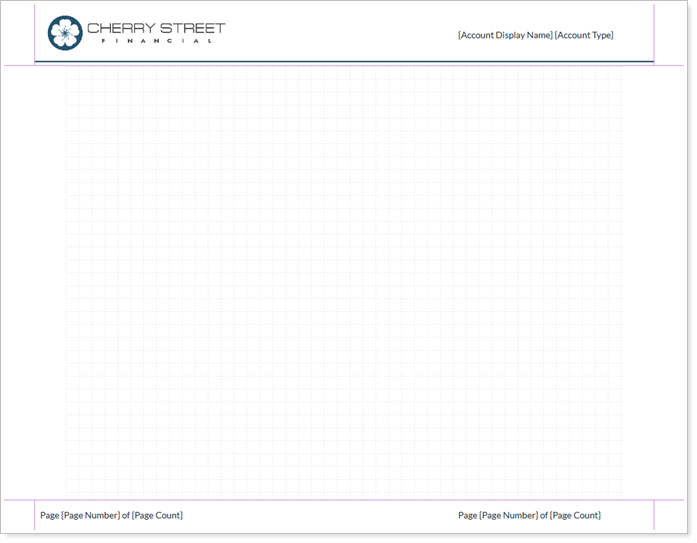
Report Studio now includes a dedicated screen for configuring report headers and footers. Use it to align report branding and essential information with your firm's standards on every page you generate.
This new screen brings the header and footer customization you know from the Tamarac platform into Report Studio, so you can define what appears at the top and bottom of every page.

From one place you can:
-
Add firm logos.
-
Display report titles and page numbers.
-
Add disclosure text.
-
Apply uniform header and footer styles across every module in a report package.
Why you'd use it
Use this feature to keep every page of your client report package professional and compliant. Add your firm's address, phone number, and email to the footer, or place your logo in the header for consistent branding. Configure these settings once in Report Studio instead of editing individual pages by hand.
How to get started
To style your headers and footers, go to Report Studio, open the Headers and Footers section, and select the action menu and choose Edit or select the name of the header or footer. After you adjust the settings, apply them to your report templates to update their appearance.

Platform Improvements and Performance Enhancements