
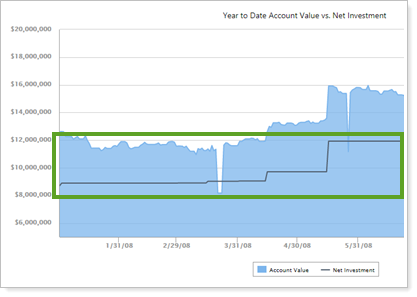
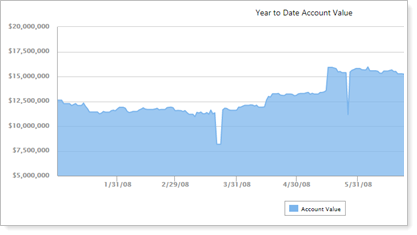
This report setting lets you choose to show or hide the net investment line. If you clear this check box, the Capital Flows report shows a simple account value chart. This is useful when you're evaluating flows for an account where you don't control the net investment, such as a 401(k).

You can choose:
-
Include net investment selected.
-
Include net investment cleared.
This setting applies to the Capital Flows report.