
Contents
How Include Short-Term Capital Gains Distributions Works
| Applies to: | ||
|---|---|---|
| ✔ Dynamic |
✔ Client Portal |
|
This setting allows you to include or exclude short-term capital gains distributions from the Income and Expenses report.
In Dynamic Reports
-
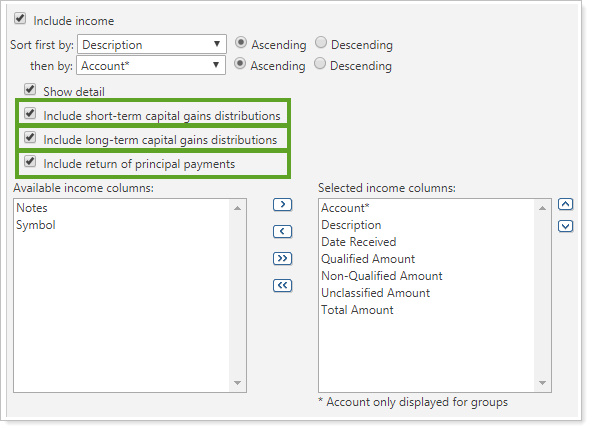
To include short-term capital gains, select the check box. It is selected by default.
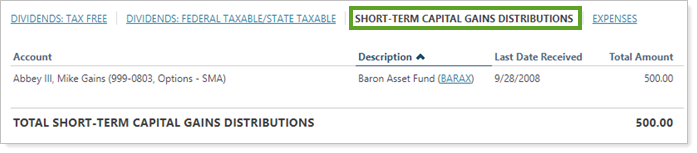
A link to data for short-term capital gains distributions is added, and clicking the link displays short-term capital gains data.
-
To exclude short-term capital gains, clear the check box.

The link to short-term capital gains is removed, and income excludes short-term capital gains.
In PDF Reports
Functionality is the same in the PDF report templates as in dynamic reports.
Reports With This Setting
Transaction Reports
Related Settings
The following settings interacts with this option: