
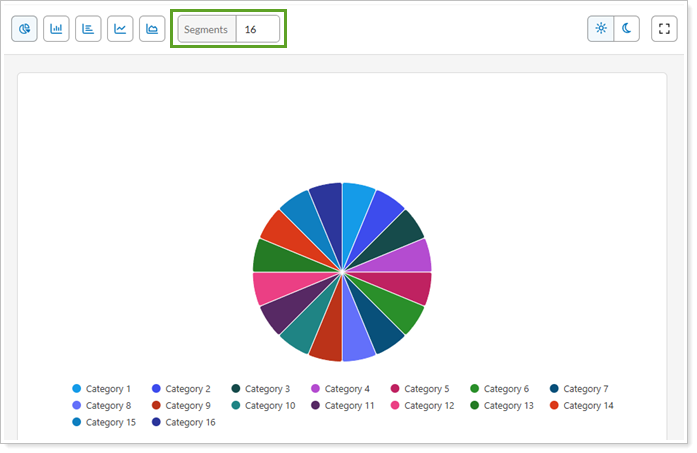
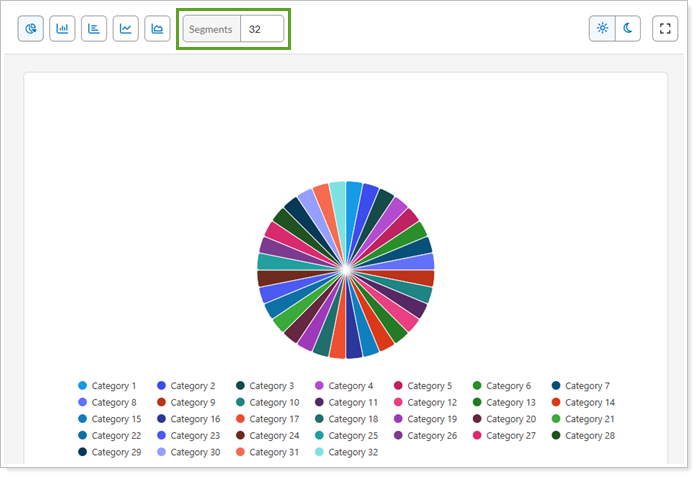
Use Segments to specify the number of color segments available in a Report Studio color theme. This value determines how many color variations are generated from the theme's color palette. These variations are applied to data series in charts and other visual elements. Increasing the number of segments gives you more distinct colors for multiple data series, categories, or ranges within a report.
Segments-16
Segments-32
For more information about Report Studio, see Introduction to Report Studio.
For more information about themes in Report Studio, see Manage themes in Report Studio.
For more information about color themes in Report Studio, see Manage color themes in Report Studio.