
Use Show interface name to show or hide the Interfaces column on the Account Publish Dashboard. By default, when you visits the dashboard for the first time, you'll see only the Custodian column. If you want to also see the Interfaces column, you must turn it on.
This option appears in the edit menu when you configure the Account Publish Dashboard.

Your options are:
-
Selected. The Interfaces column appears on the Account Publish Dashboard. Including the Interfaces column can help you differentiate between different feeds from the same custodian.
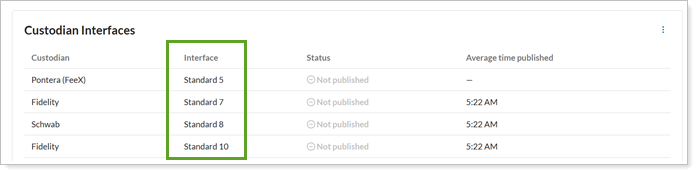
-
Cleared. The Interfaces column does not appear on the Account Publish Dashboard. This keeps your dashboard clean and focused, and works well if you don't have duplicate custodians.
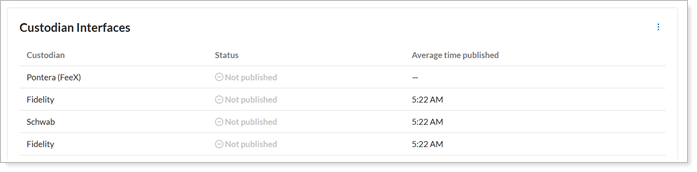
For more information on the Account Publish Dashboard, see Track data reconciliation with the Account Publish Dashboard.