
Enforced session timeouts to improve CRM data security
In the past, Tamarac CRM sessions could stay open for long periods, which made it easier for someone to access your client data if you forgot to sign out.
To protect your client data, we’ve updated our system to automatically sign you out after a set time and to require you to enter credentials periodically to prove you’re you. This new feature helps keep your information safe and secure, making it harder for anyone to get into your account without permission.
With this change, CRM will:
-
Sign you out automatically after 60 minutes of inactivity.
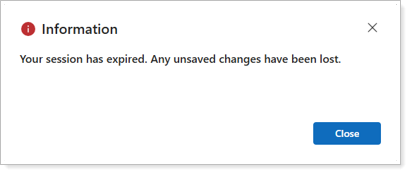
-
Require you to sign in every 12 hours by default, even if you’re using it.
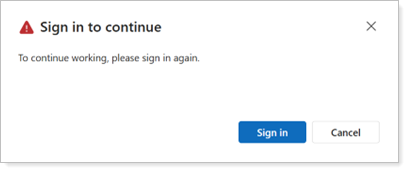
-
Alert you before your session expires, allowing you to save your work and proactively sign in to continue your session.
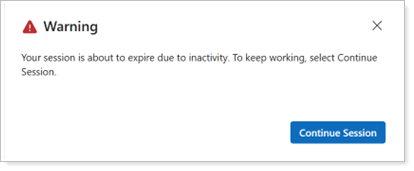
The default session timeout settings will automatically enable for all firms and CRM users, including:
-
All enterprises that have Microsoft’s default timeout settings enabled.
-
All enterprises that have no timeout settings enabled for Tamarac CRM.
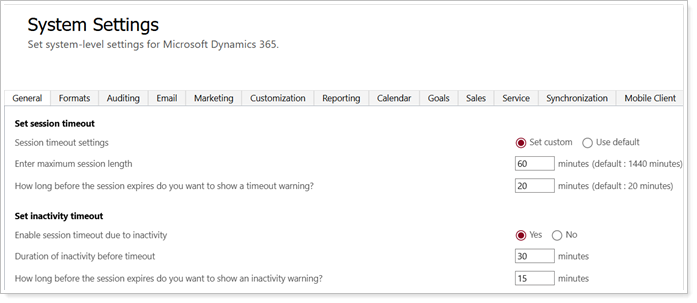
For more information, see Session timeouts in Tamarac CRM.
-