
Contents
Introduction
Service requests in Tamarac CRM create workflows that can help standardize and automate your administrative processes.
After you submit a service request in Tamarac CRM, the delegated users can monitor and manage the service request follow up.
This topic covers steps to access and manage service requests.
Before You Start
Your firm must submit service requests on the Tamarac CRM platform.
For more information, see Introduction to Service Requests.
Access Service Requests
You can access service requests in the following places:
-
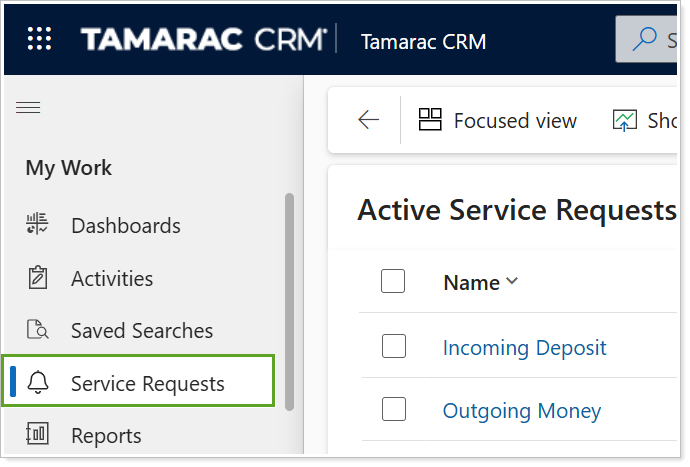
Service Requests. In CRM Home, all current and past service requests appear under Service Requests to help expand your review as necessary.
-
Service Requests tab in records. All current and past service requests appear on the respective record form under Service Requests to help isolate your review.

Manage Service Request Tasks
You can monitor and manage service request tasks from the following places:
-
Activities. All necessary follow up tasks are available to manage under Activities, allowing you to integrate them more seamlessly with your ongoing operations.

-
Service Request Tasks. When you open a service request from the Service Requests list or a record, you can view the unique Tasks for the individual service request.
