Tamarac Makeover Updates
New look and feel for the Composites Page
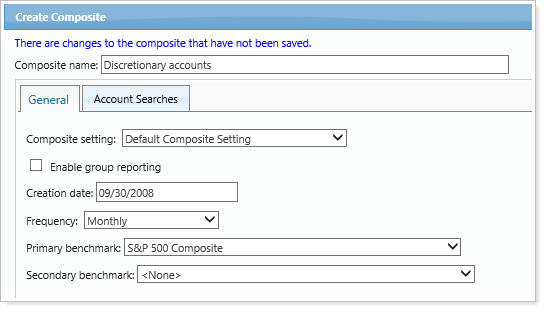
We’re continuing to enhance the look and feel of Tamarac pages throughout the platform and recently updated the Composites page. Create composite has been moved to the right side of the screen and you will now see a new look Create Composite panel along with other UI changes for the process of creating a composite.

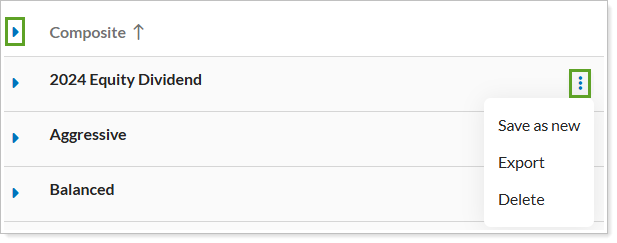
Additionally, you will see that the grid has a new look. We've refreshed the header, color scheme, search bar, and the icons. As always, the core functionality remains the same. The changes are focused on UI elements and aim to improve the user experience and visual consistency.
Create a Composite
Save, Export, and Delete Composites