
Use this field to descriptively name an Accounts page view. The name can be used to provide details about the settings configurations in the view. For example, if you have a view that shows asset information you might name your view Values & Balance View.
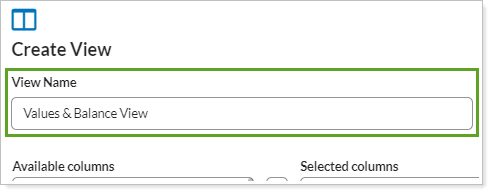
To name the account page view, type the desired name in the Account View Name field. This is a required field.
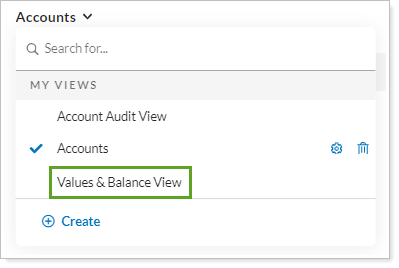
The Accounts page view name appears in the Views list:
For more information about views on the Accounts page, see Accounts Page Actions, Views, and Filters and Using Page Views.