
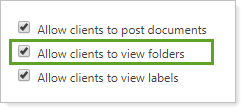
This client views setting allows you to control whether or not clients can see folders in the document vault on the portal. Folders give you multi-level organization for document vault files. Files can belong to one folder, but have multiple labels applied.
-
Select this check box to let clients see folders that are associated with the files in their document vault.
-
Clear this check box to hide all folders from clients.
For more information about folders, see Manage Folders.
The following related links may be helpful: