
Use this sync setting to set the time frame for the sync, based on number of days. A sync brings in transactions and prices from your portfolio accounting system and creates new accounts, imports new securities, updates existing securities, and creates manual security snapshots and sleeve accounts.
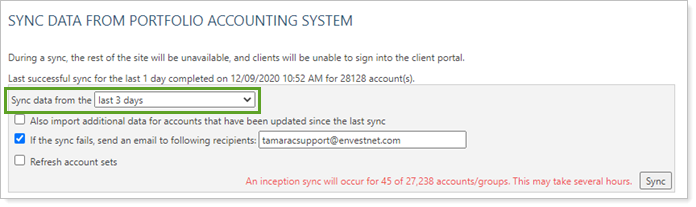
Firms often use:
-
A zero-day sync to complete tasks like creating manual security snapshots or sleeve accounts.
-
A one-day sync every day to bring in the latest transaction data for each account.
- Longer syncs are used very rarely to bring in or update historical data. The longer the sync period, the longer it will take to complete the sync and the longer your firm won't be able to access Tamarac.
For more information, see Synchronize Data From Portfolio Accounting System.