
Contents
|
Access Real-Time Custody Data From Schwab via Single Sign On New Task Status Reason Field Options Automatically Update Service Offering Field When You Update the Service Offering Type Name |
Access Real-Time Custody Data From Schwab via Single Sign On
In a continued effort to improve custodial integration with Tamarac CRM, we would like to introduce a way to get real-time custody data directly from Schwab, a groundbreaking enhancement that simplifies and accelerates your data-retrieval process. This not only streamlines your workflow but also increases efficiency in your business processes.
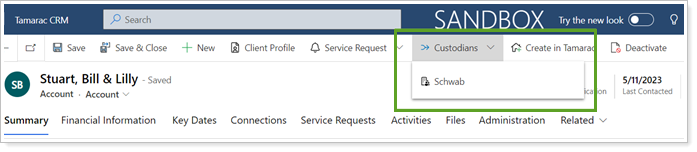
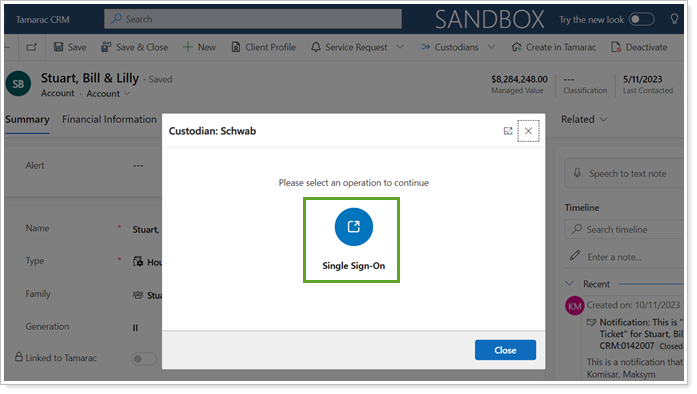
After you select Single Sign-On, you will be directed to the Alerts page for Schwab.
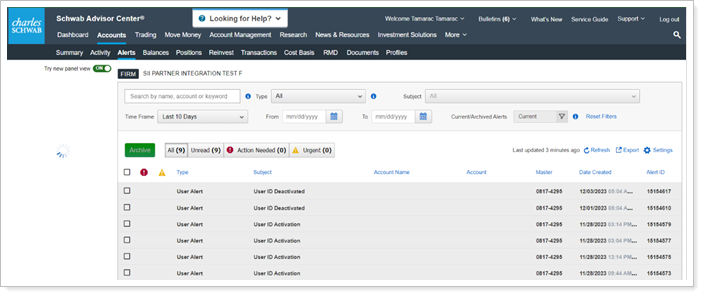
In the past, the only way to access this information was to use Tamarac Reporting as a bridge. As a result, you may have experienced a delay with the timing of the data. Now, using this new integration, you have direct communication with Schwab which allows you to gather the information that you need in real-time without having to sign into the Schwab portal separately. In addition, you will experience the following added benefits with this integration.
- Time Savings
- Improved Accuracy
- Streamlined Processes
For more information about configuring the integration, see Schwab SSO Integration.
IMPORTANT Note
You can only access data for users who already have access to Schwab.
New DocuSign Integration
We would like to announce the latest enhancement to the Tamarac CRM platform: seamless integration with DocuSign. This integration merges the existing features of DocuSign with Tamarac CRM and will make your document workflows more efficient while enhancing your overall business efficiency.
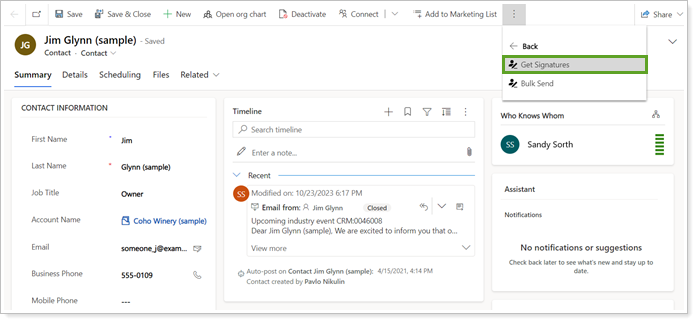
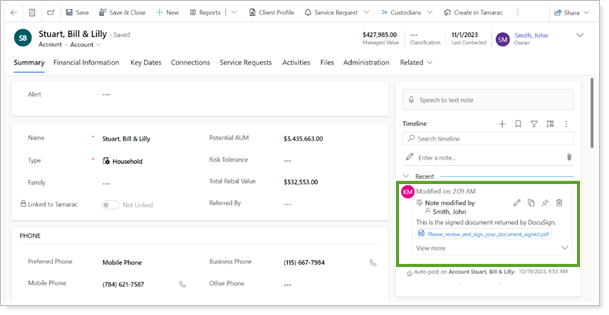
With this integration, you can send documents requiring signature to your client with a signature request included. This allows your clients to provide signatures for pertinent documents electronically. This will save them time and add to the level of service you offer.
To use this feature, your Admin will need to enable it, or you can contact your Support team. See the DocuSign Knowledge Market for more information about using DocuSign.
See DocuSign Integration for details.
New Task Status Reason Field Options
With this release, we have added new Task Statuses that you can select for your client activities. This enhancement will provide helpful updates and give you a clearer picture of where in the process you are for any client requests. The Task Status Reason field was also added to Task forms and views. In all instances, you can customize the Status Reason options.
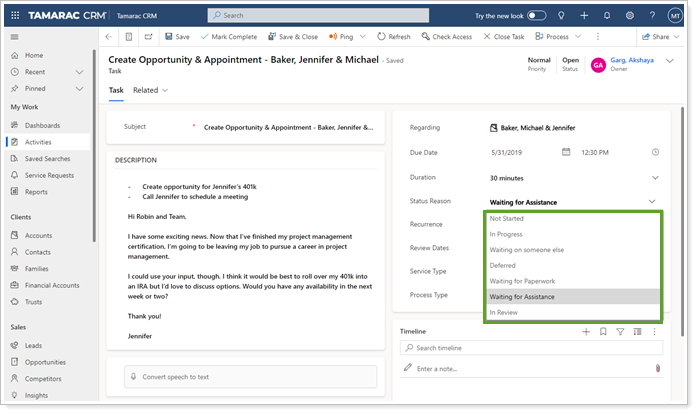
In addition to the default options, we are also including the following statuses:
- Waiting for Paperwork
- Waiting for Assistance
- In Review
Automatically Update Service Offering Field When You Update the Service Offering Type Name
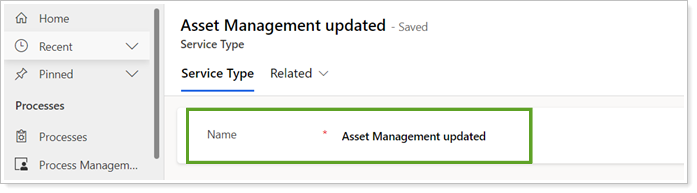
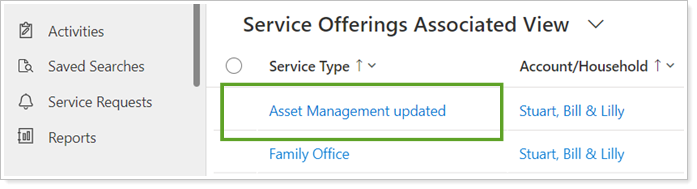
This enhancement introduces allows you to update the Service Offering field whenever you update the Service Offering Type name. We heard your feedback and with this release, you no longer have to make this update multiple times. This feature will improve cross-field synchronization and provide real time updates whenever you update the Service Offering field, saving you time and effort.

Download Insights Reports
This update introduces the ability for users to download Analytics reports directly from Tamarac CRM. This enhancement will streamline your workflow, providing more flexibility and convenience. You can access this feature by selecting Reports in the ribbon when you view an account or Insight object.
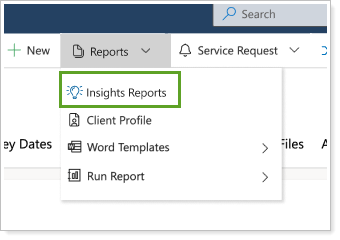
In the past, you could only download these reports from the Insights portal but now you can download the same Insights reports in Tamarac CRM. You can download any reports associated with a given Insight objects. To enable Insights reports, contact support@envestnetintelligence.com.
Learn More - Watch the Release Video