
Contents
Introduction
Tamarac CRM provides multiple search methods for locating data, each tailored for different situations. Whether you are looking for a single record, refining search results in a specific view, or conducting complex queries, understanding the best method for your needs will improve your efficiency.
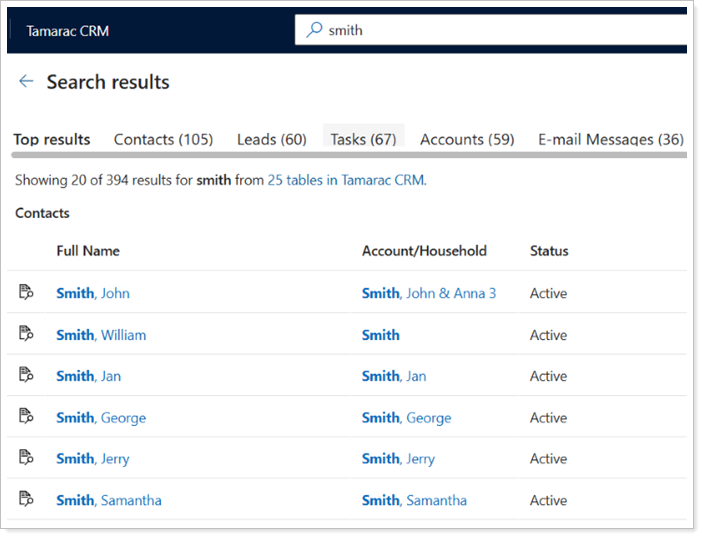
This article provides more information and links to instructions on how to use each method effectively.
Search with the Global Dataverse
Global Search is a versatile search method that allows users to query record data across Tamarac CRM. It is ideal for finding matching records, returning results based on a broad set of criteria, and finding data without knowing exactly where it resides.
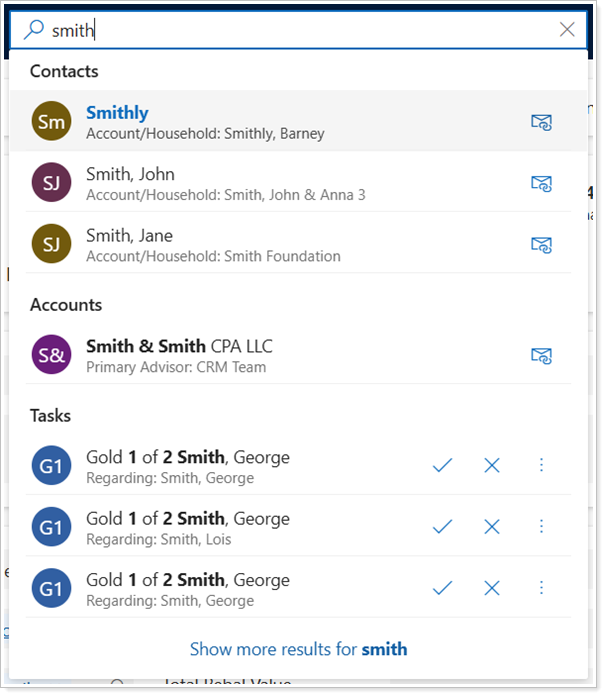
For more information, see Search with the Global Dataverse.
Search on a Record Page
If you are searching for a particular record type, searching directly on the record page helps refine the results based on the specific columns and filters of that view. When you search and adjust a record view, you can create and save new views that better suit your needs.
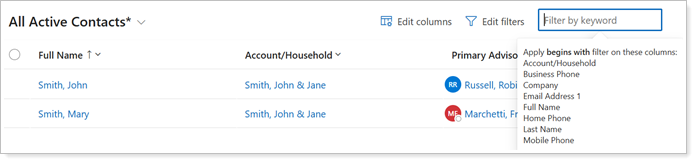
For more information, see Search on Record Pages.
Search with Advanced Finds and Create Custom Views
Advanced Find offers more expansive search capabilities, allowing you to perform more complex and tailored searches based on multiple criteria in CRM.
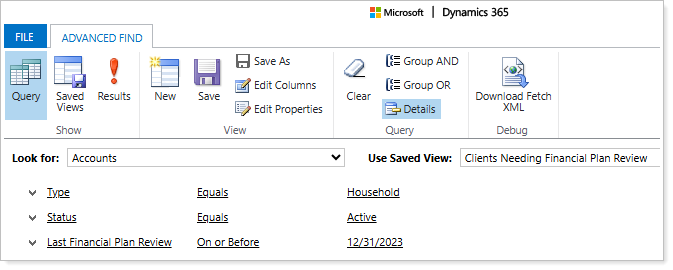
To more efficiently access these custom queries and insights on a daily basis, you can create custom views from Advanced Finds to readily view in Tamarac CRM and share it with members of your organization.
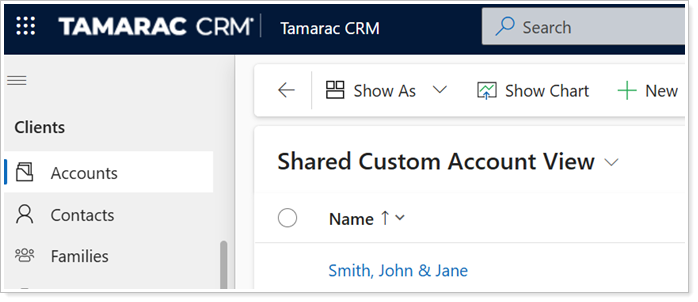
For more information, see Custom Views and Advanced Finds.