
Contents
Introduction
When you need to establish restrictions settings for an account, you can use the Restrictions panel in the Rebalancing menu.
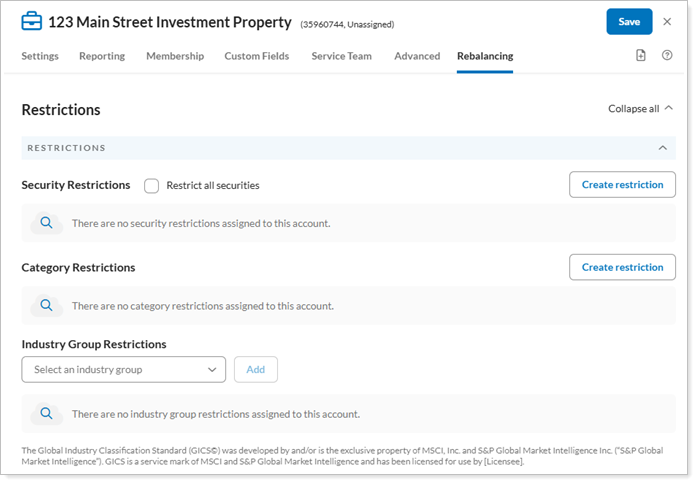
You can edit and view the following settings on this panel:
- Security Restrictions at the account level.
- Industry Group Restrictions.
Restrictions Settings
You can access these settings under Accounts. Click on the account you want to edit. Under Rebalancing, click Restrictions.
The following account configuration settings are available:
Security Restrictions: Lets you set restrictions on securities at the account level rather than at the global level.
Restrict All Securities: Allows you restrict trading activity in the account, placing the account on "hold" and preventing a rebalance.
Industry Group Restrictions: This setting allows you restrict specific industry groups in the account.