
Contents
How Show Pie Chart Titles Works
| Applies to: | ||
|---|---|---|
| Dynamic |
Client Portal |
|
This setting allows you to show or hide chart labels for pie charts on the Asset Allocation section of a PDF Dashboard.
You might hide labels if you name the section something that clearly communicates what the chart is, such as Your Account's Current Allocation. You might display titles if you're showing both current and target allocation. Titles make it clear which pie chart is which.
For more information about the Asset Allocation report and its settings, see Asset Allocation Report.
In Dynamic Reports
This setting is only available in the Asset Allocation section of the PDF Dashboard.
In PDF Reports
-
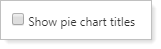
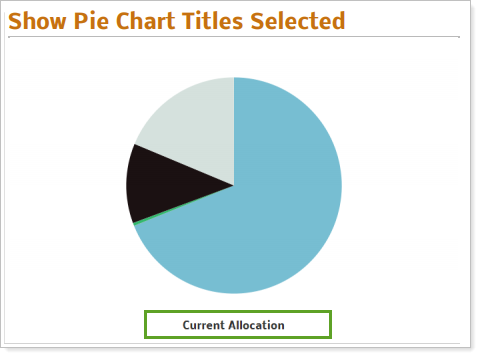
To include a title, select Show pie chart titles. When displaying the current allocation pie chart, its title is always set to Current Allocation. When displaying a target allocation pie chart, you can choose what title to display using the Target allocation chart label setting.
-
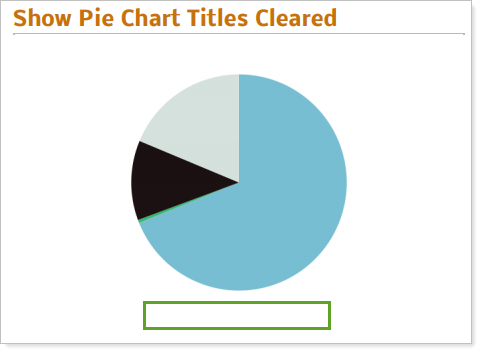
To exclude a title, clear Show pie chart titles.
Reports With This Setting
PDF-Specific ReportsHoldings Reports
-
Asset Allocation (PDF Dashboard only)
Related Settings
The following settings are related:
-
Show As on the Asset Allocation report
-
Chart Title for other chart titles