
This is the text color of the user menu, which appears in the right of the top menu bar. The user menu area contains the user's name and the as-of date.
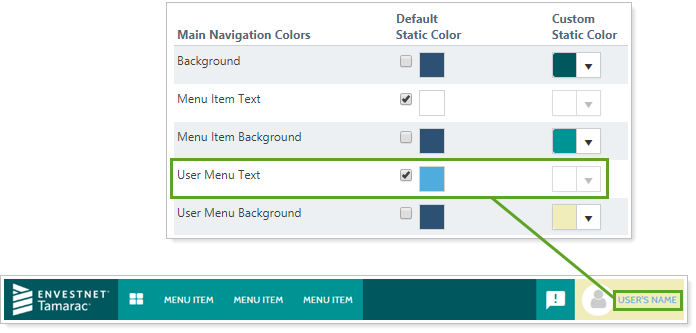
You can configure the color of the user menu text using the following color settings:
You can also customize the other menu bar elements. For more information, see:
For more information on site themes and customizing chart colors, see Site Themes.
For more information about customizing the menu bar, see Customizing the Menu Bar.