
Contents
Introduction
This workflow provides the steps for how to customize service requests in Tamarac CRM.
To efficiently build a custom service request that is tailored to your firm operations, consider all required and optional steps in the following workflow:

Before You Start
To customize service requests, you must be a System Customizer.
For more information, see Customize Service Requests in Tamarac CRM.
Workflow: Set Up Custom Service Requests in Tamarac CRM
|
|
1. |
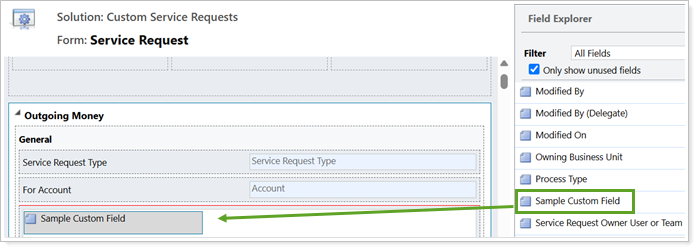
Customize Service Request Form Fields > Adjust existing fields for data collection on a custom service request form. Optionally, create and add your own custom fields to the form.
|
|
|
2. |
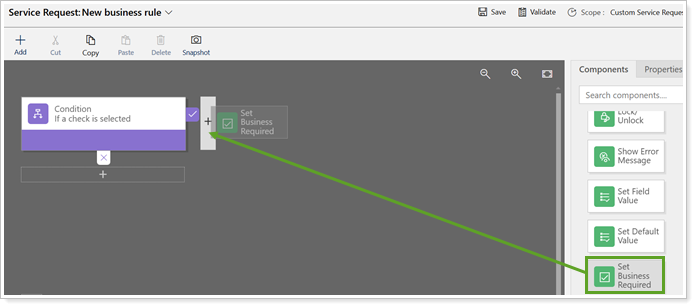
Optional: Create Business Rules > Optionally, create business rules to control service request field requirements and visibility based on specific conditions.
|
|
|
3. |
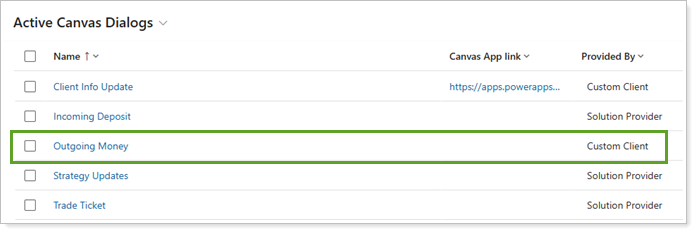
Create modern dialogs to control what CRM record service requests appear on.
|
|
|
4. |
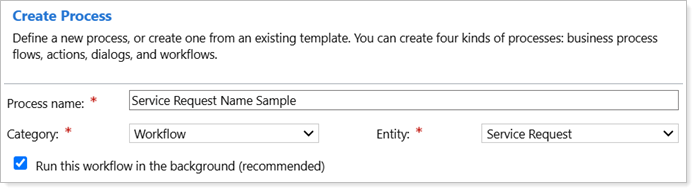
Set up background workflow processes to automate tasks and conditions related to service requests.
|

Next Steps
Once you’ve completed the workflow steps, users with your firm can submit the custom service requests in Tamarac CRM. For more information, see Submit a Service Request.