
Contents
|
Power Your Practice with Compliance Dashboards Access Fidelity Wealthscape from Tamarac CRM |
Power Your Practice with Compliance Dashboards
We understand that in the finance industry, compliance is more than just a requirement—it’s a cornerstone of an efficient, client-focused practice. That’s why we’re introducing new system dashboards, designed to give you greater visibility, control, and confidence in your compliance oversight.
This release introduces the following system dashboards:
-
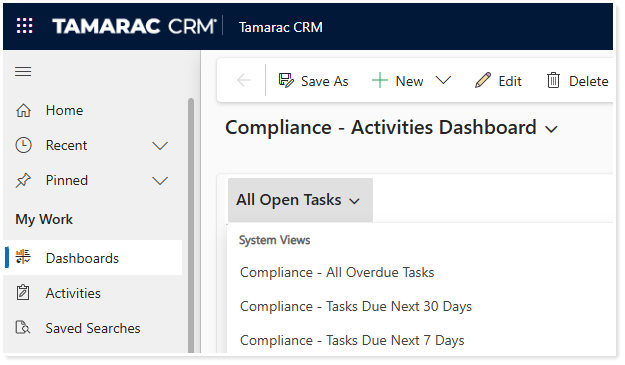
Compliance – Activities Dashboard. Gain a clear, actionable view of open and overdue tasks, appointments, and phone calls, enabling proactive follow-up and improved task management.
-
Compliance – Leads & Accounts Dashboard. Monitor critical compliance milestones like Form ADV and Privacy Notice delivery, ensure data accuracy, and stay on top of key deadlines.
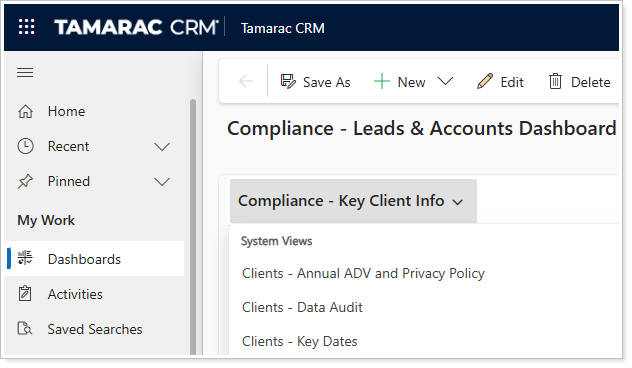
To access the compliance dashboards, you must be a Tamarac CRM user with the assigned security role Tamarac Compliance Dashboards (Managed).
For more information, see Compliance Dashboards.
Access Fidelity Wealthscape from Tamarac CRM
Custodians play a critical role in client account management, making integrated processes ideal for operational efficiency. With that in mind, we’re pleased to add Fidelity as a custodial integration partner.
The initial phase of this integration introduces Single Sign-On (SSO) access to Wealthscape, Fidelity’s open-architecture brokerage platform designed to deliver a connected experience for advisors.
With this integration enabled, you can launch directly into Wealthscape from eligible account records in Tamarac CRM.
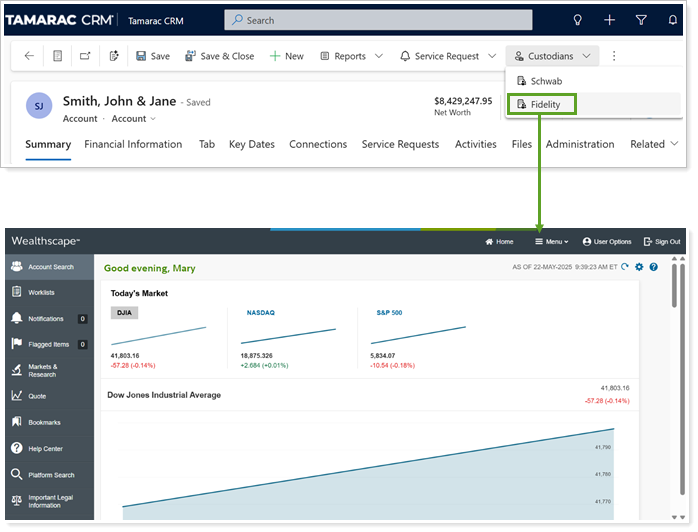
A Tamarac Data Manager at your firm must enable the Fidelity integration, or you can contact the Tamarac CRM Support Team for additional guidance.
For more information, see Enable the Fidelity Integration.
View Schwab Beneficiary Information in Tamarac CRM
Engaging clients in conversations about designating the right beneficiaries helps to ensure that they align their accounts with their estate planning goals. While Schwab tracks beneficiaries for accounts custodied with them, in the past, you had to visit the Schwab Advisor Center to access that information.
Now, we've made it easier for you to review beneficiaries directly in Tamarac CRM with the Schwab Beneficiaries Integration. This offers a one-way daily sync from accounts in Schwab Advisor Center into eligible Tamarac CRM financial account records under Custodian Beneficiaries.
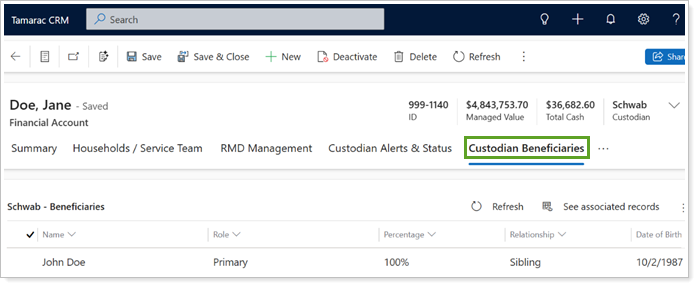
This empowers you to more easily revisit beneficiary information, ensuring timely and meaningful conversations with clients about any updates as needed over time.
To view Schwab beneficiaries on your Financial Accounts, you must:
-
Have active accounts custodied with Schwab.
-
In Schwab Advisor Center, assign beneficiaries to an account.
-
In Tamarac CRM, enable the Schwab and Beneficiaries integrations in Configuration Settings.
Please note that this integration is different from our existing Dynamics Beneficiaries integration and the two record types will remain separate and distinct.
For more information, see Schwab Beneficiaries Integration.
Explore New and Expanded Help Center Content
We are excited to announce that we've expanded our Tamarac CRM Help Center documentation with the following:
-
Calendly Integration in Tamarac CRM. Learn more about how to enable and leverage the Calendly and Dynamics 365 integration through Power Automate to effectively sync your scheduling activities with your CRM processes.
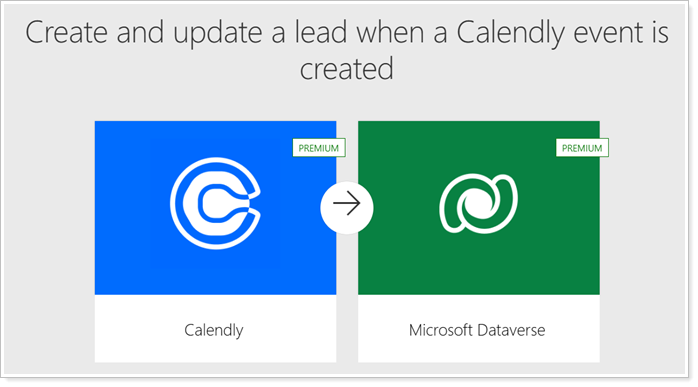
For more information, see Use Calendly in Tamarac CRM.
-
Microsoft Power BI Integration in Tamarac CRM. Learn more about how to enable and take advantage of Power BI to effectively visualize and analyze your CRM data.
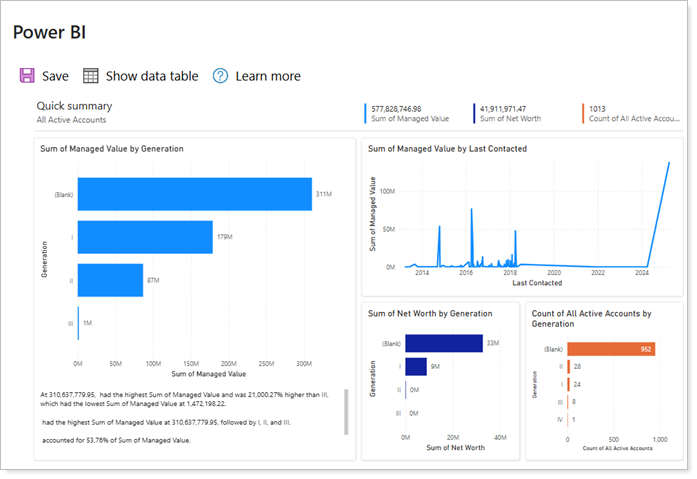
For more information, see Use Microsoft Power BI in Tamarac CRM.